Lightweight • Precise • Fast

Lightweight Color Picker for Windows Designers and Developers

Colourang is a lightweight, precise, and intuitive color picker tool for designers, developers, and digital artists. Capture colors from anywhere on screen—even videos and full-screen apps. View and copy RGB, HEX, HSL, and CMYK; save favorites; and stay in flow.

✔ No sign-up  •  ✔ Works offline

What happens when you click Install?

No ads. No bundled software. No tracking.

Effortless Color Picking for Creatives

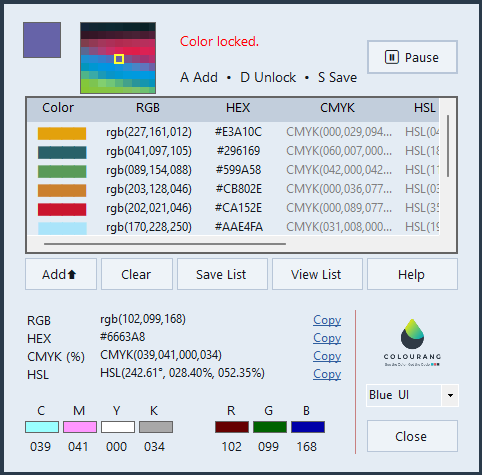
✅ Pick Colors from Anywhere: Capture colors from the entire screen – even videos and full-screen apps.

✅ Lock Colors in Motion: Freeze fast-changing colors in animations or video with one keystroke.

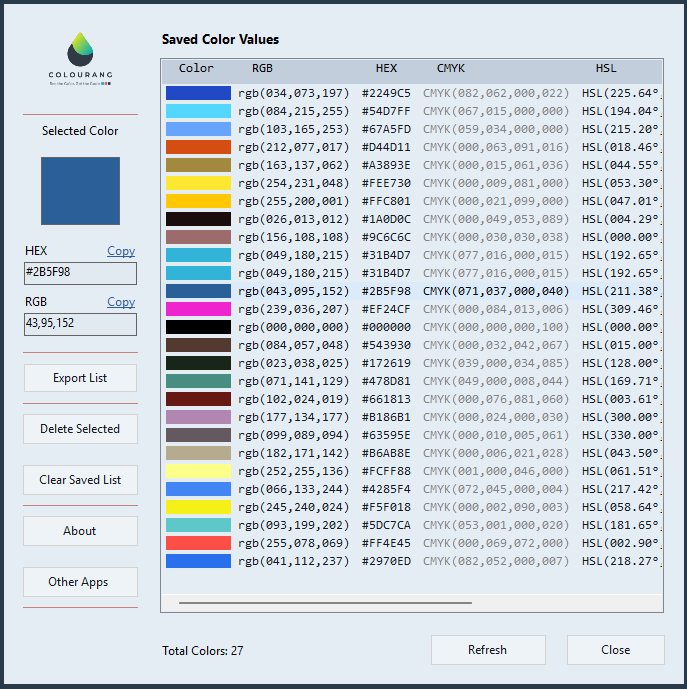
✅ Save and Organize: Add colors to a list temporarily or save them permanently for future use.

✅ Copy Multiple Formats: Copy RGB, HEX, HSL, and CMYK values with one click.

✅ Runs Silently: Stays minimized and active in the background so you don’t break flow.

✅ Right-Click to Copy: Use the context menu on saved lists to copy values quickly.

✅ Minimal, Powerful, and Fast: Small footprint, zero clutter—just pure functionality.
Help when you need it

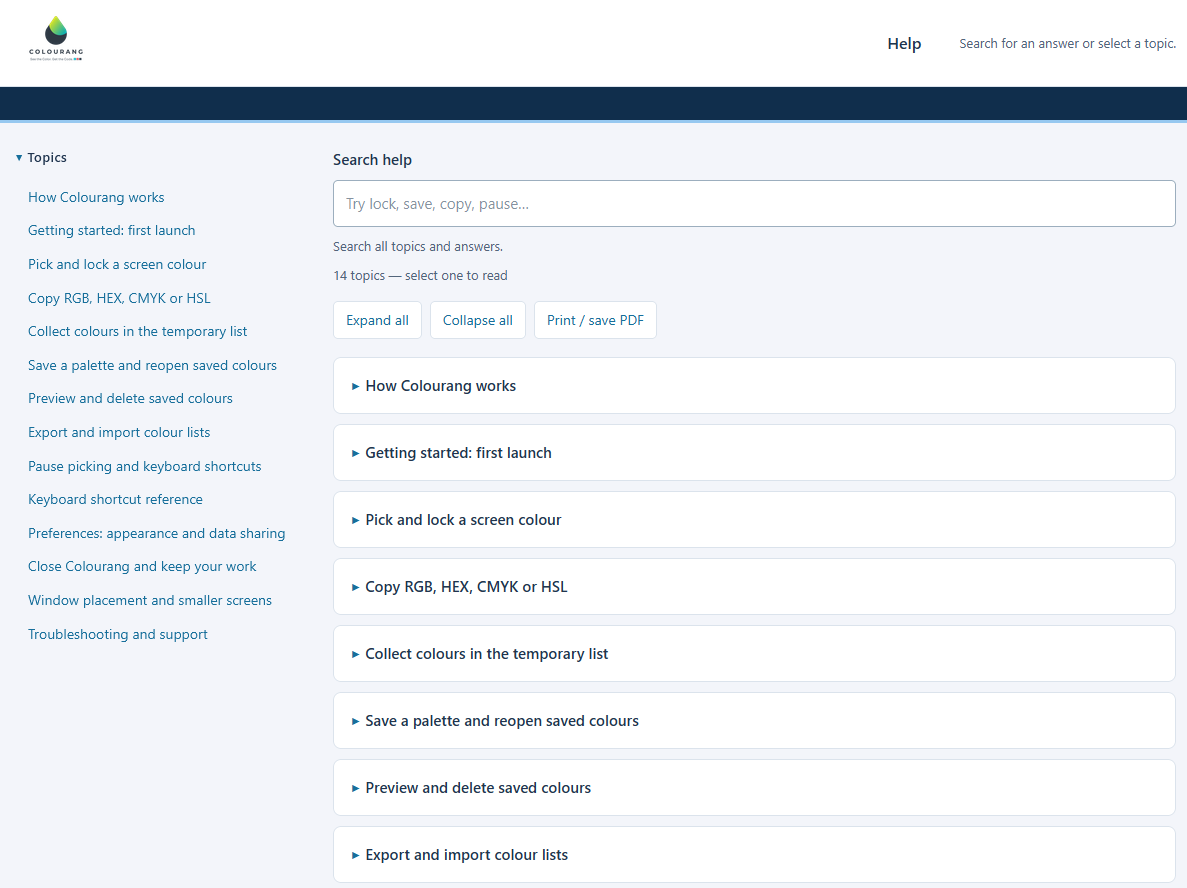
Open Help in Colourang for searchable instructions on picking and locking colours, copying values, saving palettes and using keyboard shortcuts.

Select a topic or search for an action such as lock, save or copy. Expand all answers, collapse them, or print and save the guide as a PDF. The app Help is available offline.

Need more help? Contact support →

Colourang Help with a searchable topic list, instructions for colour picking and saved palettes, and expand, collapse and print controls
The current searchable Help page. Select the image to view it full-size.

Ready to pick colors faster?

Install Colourang and start capturing colors instantly.

Install from Microsoft Store